
























Use this guide when a large unsigned whole integer must travel between decimal, hexadecimal, binary, and octal without losing a digit. The worked value 9007199254740993 is deliberately above JavaScript’s safe integer maximum, so its final 1 provides a useful accuracy test.
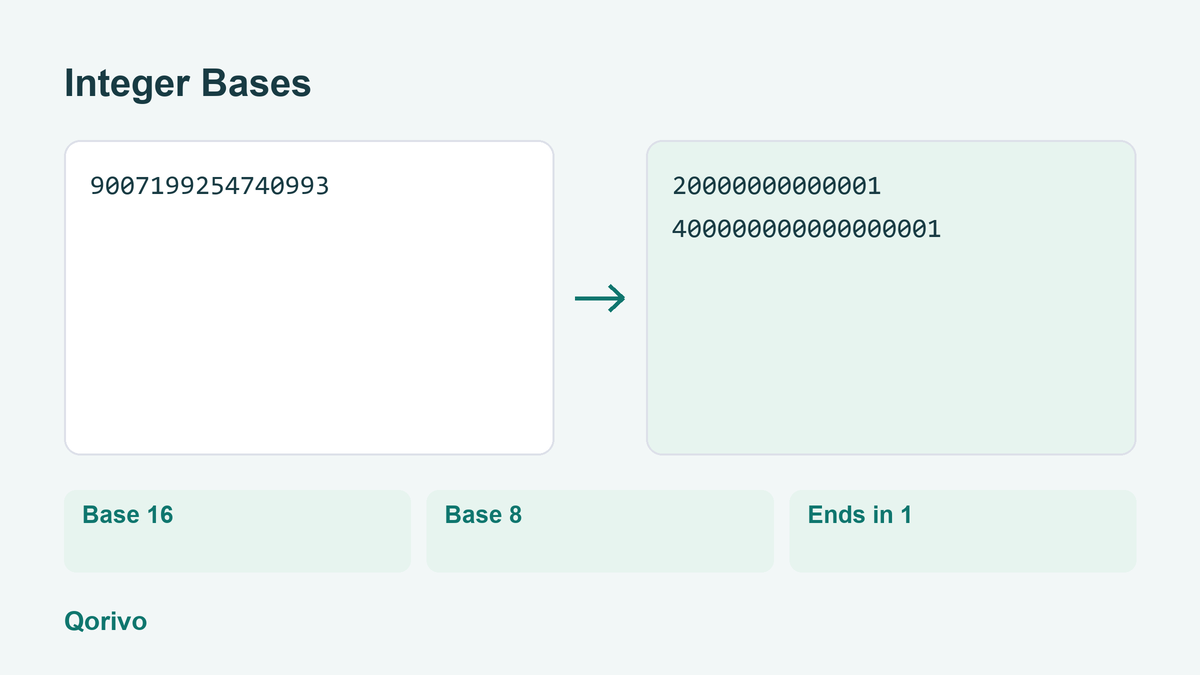
Start with the untouched decimal digits
Start with the decimal-to-hex tool and treat the input as text: 9007199254740993. The expected hexadecimal output is 20000000000001. Compare every character, especially the final 1. This is the central verification point because JavaScript Number safely represents values only through 9007199254740991. A converter that receives the original decimal digits can preserve the intended integer.
Input: 9007199254740993
Hex output: 20000000000001
Octal output: 400000000000000001
Next, use decimal-to-octal with the same untouched decimal string. Its expected result is 400000000000000001. The illustration output shows both non-decimal forms together: 20000000000001 and 400000000000000001. Do not insert separators or rewrite the value. The ending 1 in each result is practical evidence that the source was not rounded before conversion.
Convert both results back to decimal
Reverse the hexadecimal result with the hex-to-decimal tool. Enter 0x20000000000001, including the prefix, and expect 9007199254740993. Then repeat the reverse check with octal-to-decimal using 0o400000000000000001. Both decoders should restore the complete decimal string, ending in 993. This round-trip confirms that the displayed base conversion represents the same whole integer.
Hex input: 0x20000000000001
Decimal output: 9007199254740993
Octal input: 0o400000000000000001
Decimal output: 9007199254740993
For a smaller independent binary check, enter 1025 in decimal-to-binary. The expected output is 10000000001. Read the result from right to left: the rightmost 1 contributes 1, and the other 1 contributes 1024. Since 1024 + 1 equals 1025, the binary result can be verified without relying only on the converter’s displayed answer.
Find where a digit can be lost
The danger is usually the transport format, not the base arithmetic. JavaScript Number has a safe maximum of 9007199254740991; passing 9007199254740993 through Number rounds it to 9007199254740992. Spreadsheets can similarly round a numeric cell before a tool sees it. Keep the value as a string in spreadsheet or JSON workflows, or use BigInt locally.
The binary converter accepts values that fit within 1024 bits. It pads short binary results to at least eight digits, which changes their display width while keeping their value. Use the whole-integer tools for this task: the text tools interpret encodings and split the input into bytes. In binary input, leading zeroes and a 0b prefix can be kept when copying the source.
Checks before sending the converted value
- Keep 9007199254740993 as text until conversion is complete.
- Check 20000000000001, 400000000000000001, and the final digit 1.
- Reverse the results and confirm the complete decimal output ends in 993.
