This guide uses csv-to-json to convert a small CSV table into named JSON objects. The specimen includes a quoted newline, a comma inside a quoted value, and an ID with leading zeroes. These details make it useful for checking whether the conversion preserves cell boundaries and text exactly.
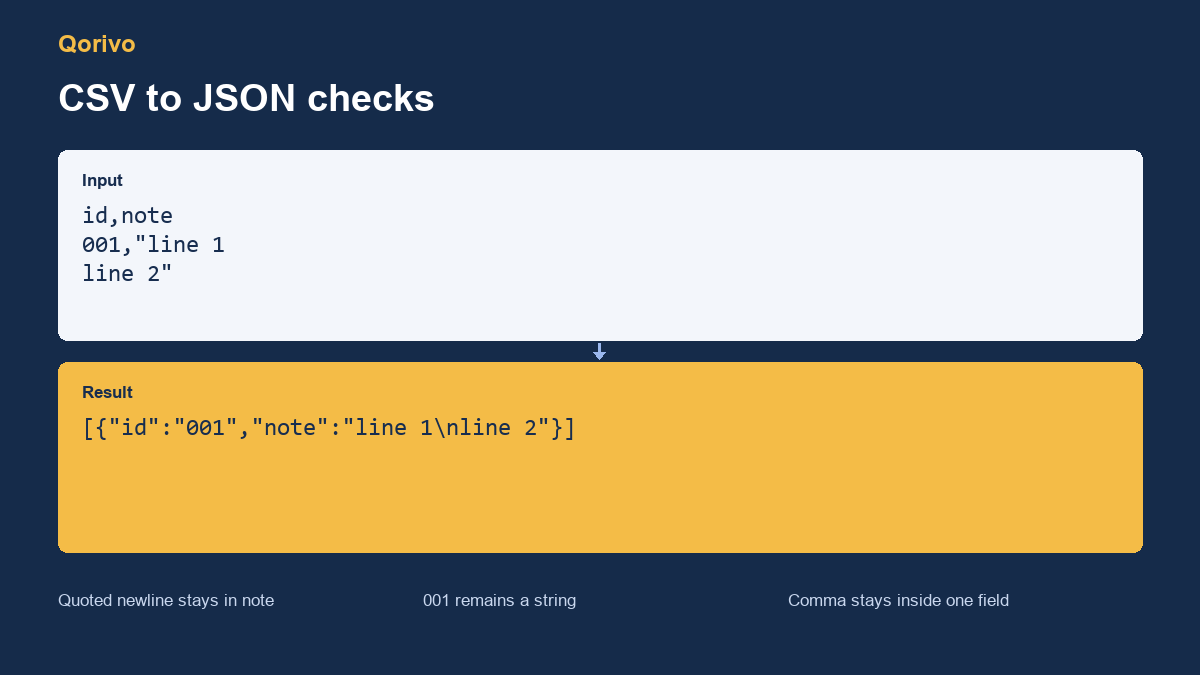
Prepare the CSV specimen
Copy the complete sample into the CSV to JSON input area. Keep the header row, the quoted line break inside the first note, and the final record. The first data row begins with 001, while its note spans two physical lines inside one quoted field.
Do not replace the embedded newline with a space or remove the quotation marks. The comma in Hello, world is also part of the second note value, not a separator. The header names id and note become the JSON property names.
id,note
001,"line 1
line 2"
002,"Hello, world"
003,
Convert the table to JSON
Run the conversion. The JSON array should have three objects with the two keys id and note. The last CSV record ends in a delimiter, so its note key is present and contains an empty string.
Read the resulting text as JSON rather than as a visual table. The first object should contain "id":"001" and a note containing a newline escape. The second object should contain "id":"002" and the complete value Hello, world.
[{"id":"001","note":"line 1\nline 2"},{"id":"002","note":"Hello, world"},{"id":"003","note":""}]Verify boundaries and values
Check that the embedded line break stayed inside the first note value. In the rendered JSON, it appears as \n, which represents one newline character in the value. It must not create a third record or split the first object.
Check the first ID character by character. It is the string 001, rather than the number 1. Confirm that the second note keeps its comma and that the output has three objects, corresponding to three data rows.
Reuse the pattern carefully
For another file, keep the header names distinct and ensure every quoted field closes correctly. Apply the same checks whenever a field may contain a comma, newline, or blank value. Blank cells should remain empty values instead of shifting later columns. A row ending in a delimiter explicitly provides an empty final cell. Check how your exporter handles a shorter row before treating omitted columns as empty.
This example covers flat records only. It does not establish how the tool handles malformed quotes, duplicate headers, or nested JSON structures. For reverse conversion, use flat JSON records and inspect the CSV header, quoting, column order, and empty cells.
- Confirm
001remains a JSON string. - Confirm the quoted newline remains inside
note. - Confirm
Hello, worldstays one cell.
